


Help every learner show their potential and take their next step.
For schools, colleges, universities, training providers and apprenticeship providers. Help learners demonstrate skills beyond grades, improve their employability and track where their progress takes them.
Recognise potential. Support progression. Understand outcomes.
Showcase skills beyond grades
Give learners who struggle academically a way to demonstrate their strengths through real achievements, practical experience and evidenced skills.
Build employability and confidence
Help learners recognise what they can offer employers and build an Employability Passport that supports applications for work, training and apprenticeships.
Track destinations and demonstrate impact
Understand where learners go next, from further education and training to apprenticeships and employment. Use destination data to inform your support and demonstrate outcomes.
Understand candidates beyond their application
Give training and apprenticeship providers a fuller picture of each applicant’s skills, experience and potential, helping you identify suitable candidates and tailor support.
Manage applicants in one place
Use the applicant tracking system to organise candidates, track their progress and manage applications through each stage of recruitment.
Connect learners with employers safely
Support access to work experience and employer engagement, with staff-approved first contact and moderated messaging.
How staff and learners use Startingpoint
- Organisation management
Step 1: Set up your organisation
We create your account and onboard learners with you, in about an hour.
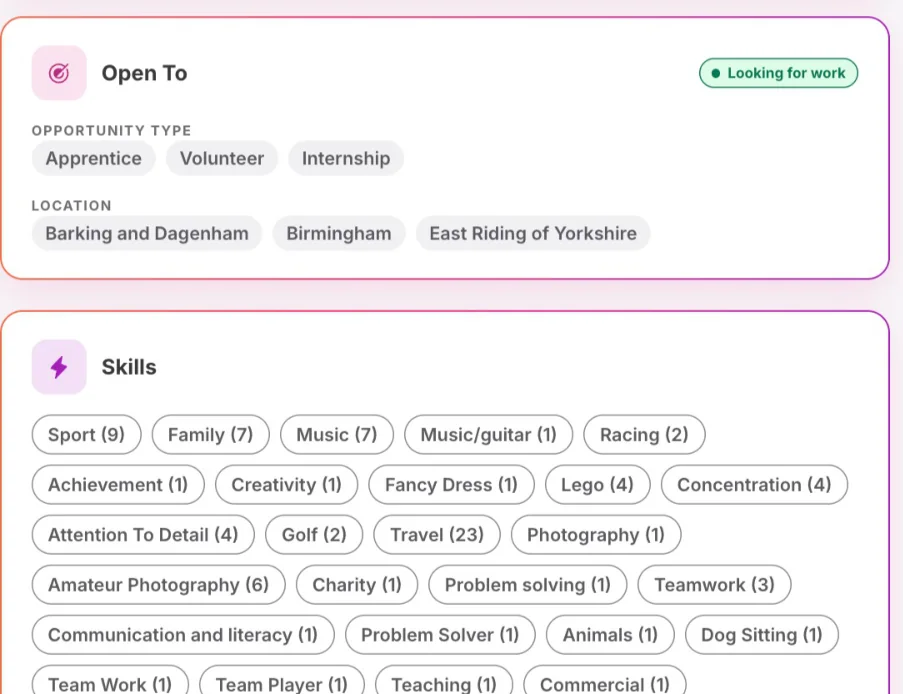
Step 2: Learners add evidence
Learners upload evidence from lessons, placements and activities on web or app.
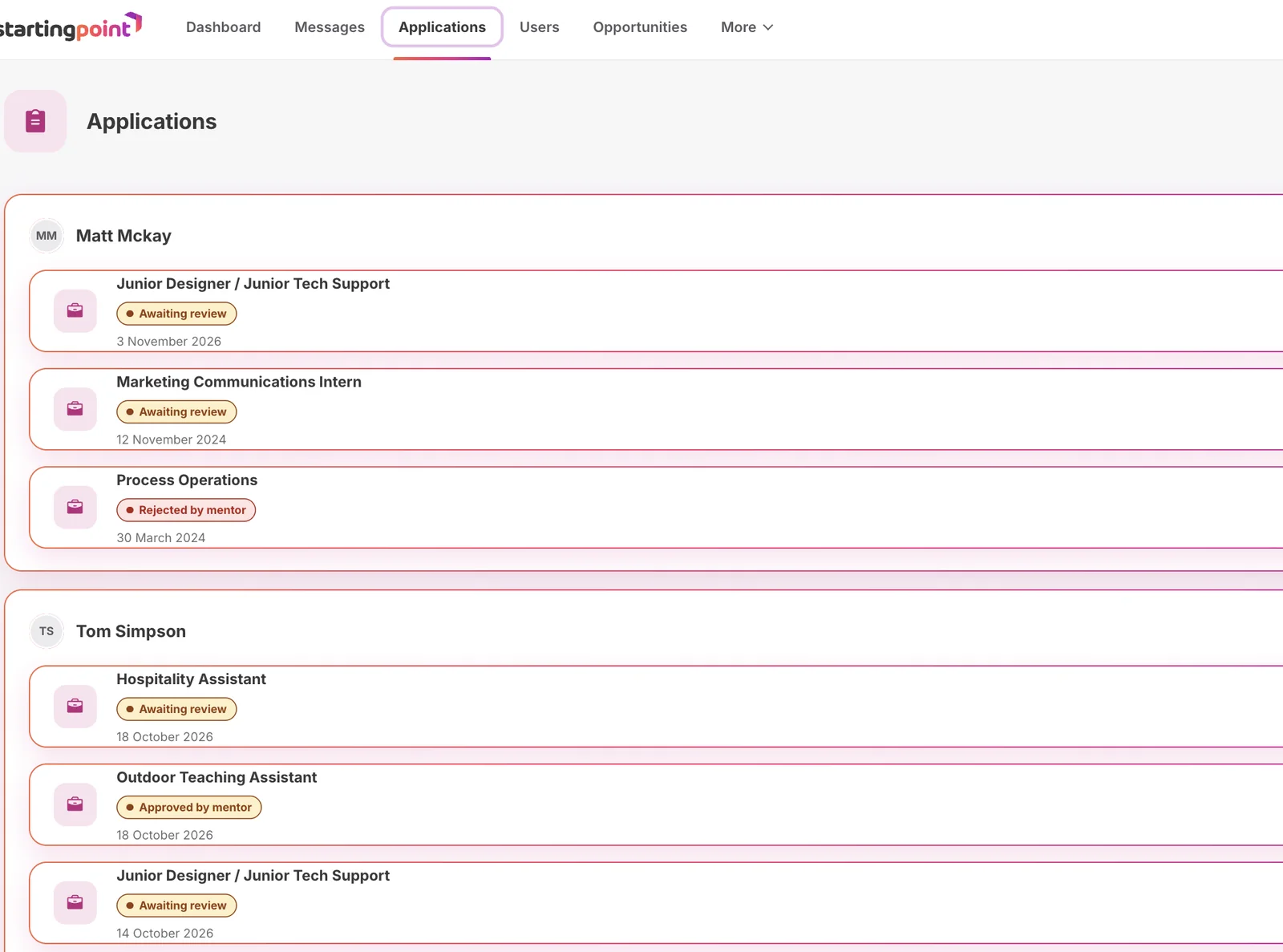
Step 3: Review and approve
Staff review evidence and approve connections with employers.
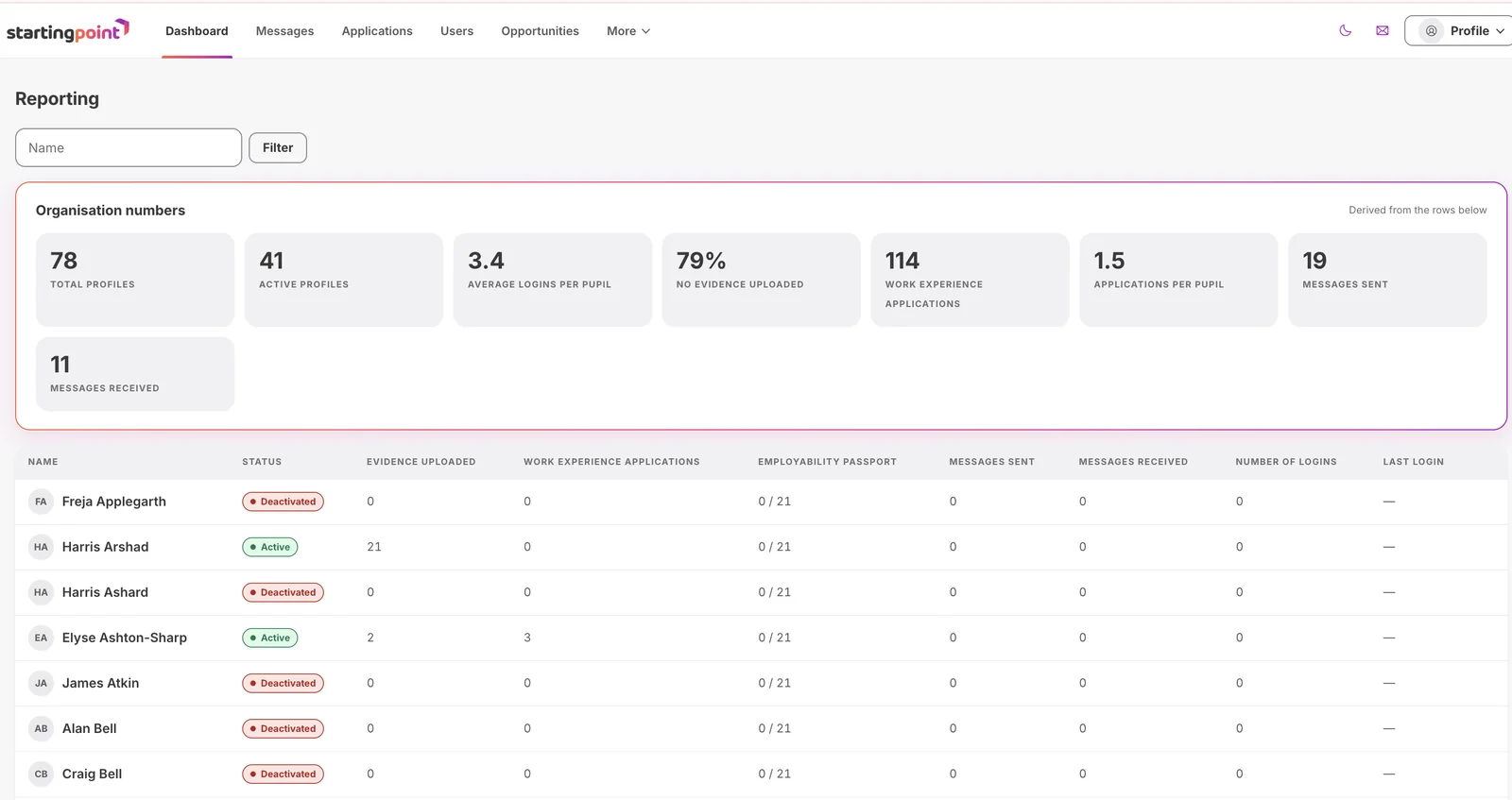
Step 4: Track progress
See progress across groups and report on employability outcomes.
One place to support every learner
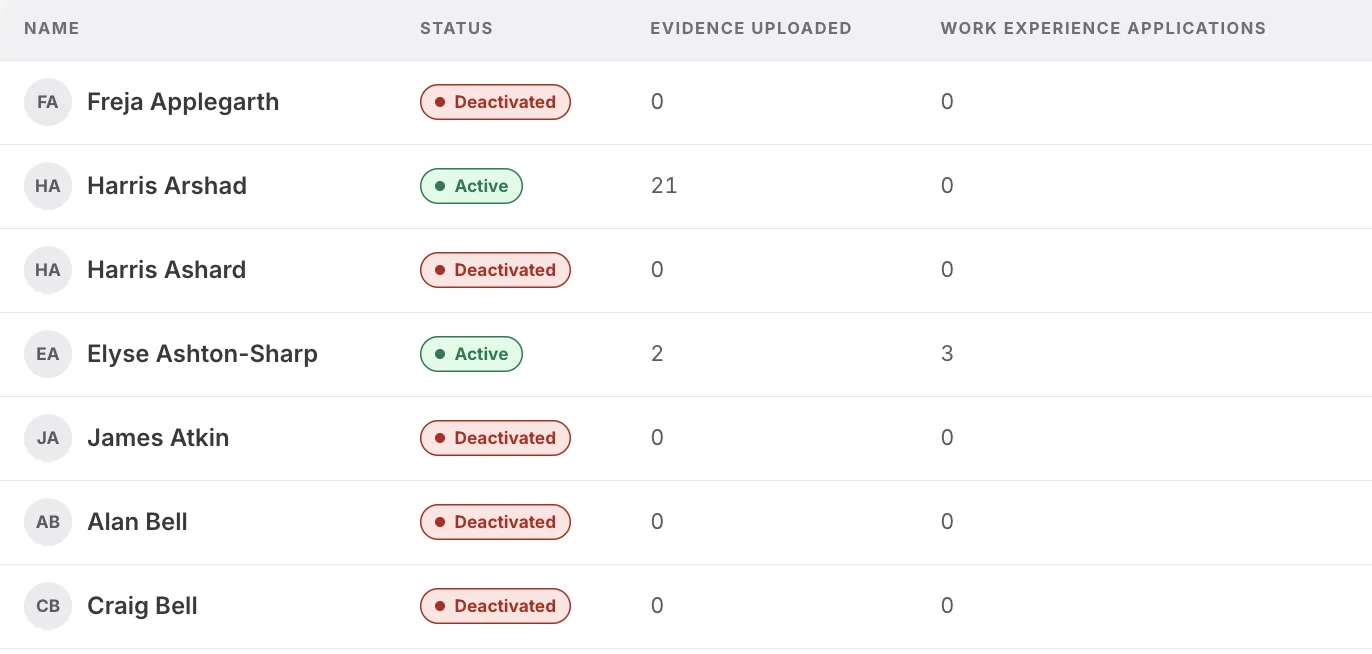
See what learners have added, who needs support and which connections are waiting for approval.
- Review and moderate learner evidence
- Approve first contact before employers can reply
- See progress across classes and cohorts
Relevant to your setting
Startingpoint works across education and training. Confirm benchmark and reporting references before publication.
Schools and academies
Careers guidance, work experience and smoother transitions between key stages.
Colleges
Evidence for T Level industry placements and vocational learning.
Universities
Placements, sandwich years and graduate employability.
Training and apprenticeship providers
Learner profiles, apprenticeship listings and engagement with employers.
Safeguarded by design
A school mentor approves first contact before any employer can reply. Employers see an anonymised profile of school-age learners, and every conversation sits inside moderated messaging with a clear audit trail.
Mentor approval
A school mentor approves first contact before any employer can reply.
Anonymised profiles
Employers see evidence and skills, never personal details.
Moderated messaging
Every conversation sits inside the safeguarding system, with a clear audit trail.
Questions, answered
Something else on your mind? Get in touch and we will reply as soon as we can.
See how it works for your learners
Book a demo and we will walk you through setup, safeguarding and staff tools.